.svg)
Paystubs
Open Paystubs in your portal. Each one shows gross pay by earning type, every tax and deduction, and net pay. You can download any paystub as a PDF. Landlords and lenders accept them as proof of income. If a paystub is missing for a payday you were paid on, tell your admin. If a number looks wrong, check what changed since the last paystub (new tax form, new benefit, pay change) and ask your admin if it’s still unclear.Tax forms
Documents holds your tax forms:- Your W-2 (employees) or 1099-NEC (US contractors), available by January 31 each year
- Your W-4 and state withholding forms. To change your withholding, select Update withholdings. The change applies from the next payroll.
- Your completed Form I-9 (employees)
Logging your hours (hourly employees and contractors)
Open Timesheets. You’ll see the current pay period and a countdown to the submission cutoff.- Enter hours per day, in 15-minute steps: 0.25 is 15 minutes, 0.5 is 30 minutes, 0.75 is 45 minutes. So 7 hours and 45 minutes is 7.75, not 7.45.
- Pick the hour type. For most days it’s Regular. Overtime, double overtime, and holiday hours are calculated for you based on your employer’s settings. If your employer tells you to log them by hand, follow their instructions.
- Add a short description if your employer asks for one.
- Don’t log vacation or sick time on your timesheet. Request it under Time off instead so your balance stays right.
Requesting time off (employees)
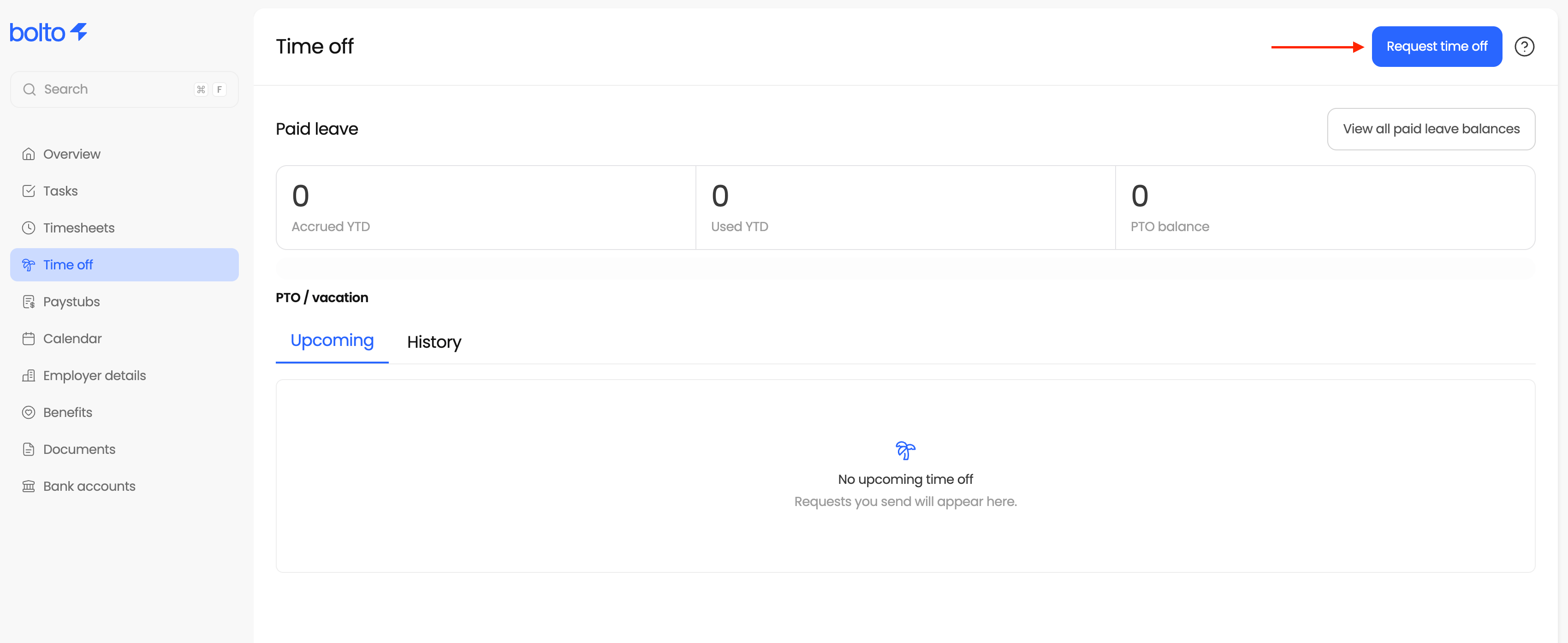
Open Time off, pick the leave type and policy, choose your dates, and submit. You’ll see your available balance as you go. Your manager approves or rejects the request. To cancel approved time off, request the cancellation from the same page.